
- Home
- Software
- Computer Software
- Liquid Glass IOS26 UI Kit v2.0 The Ultimate Liquid Glass Effect Component Library for Next-Gen Web & App Design. Builder Update
SKU:
Liquid Glass IOS26 UI Kit v2.0 The Ultimate Liquid Glass Effect Component Library for Next-Gen Web & App Design. Builder Update
$16.99 Original price was: $16.99.$14.99Current price is: $14.99.
Pay securely with Credit or Debit Card at checkout, or pick a fast option below.
Description
Liquid Glass OS UI Kit v2.0: The Builder Update
The Liquid Glass OS UI Kit continues to evolve with Version 2.0: The Builder Update.
This update focuses on making the kit easier to use, easier to customize, and faster to integrate into real websites, dashboards, landing pages, and app-style interfaces.
Version 2.0 turns the Liquid Glass OS UI Kit from a collection of visual effects into a more complete builder-friendly workflow.
What’s New in v2.0
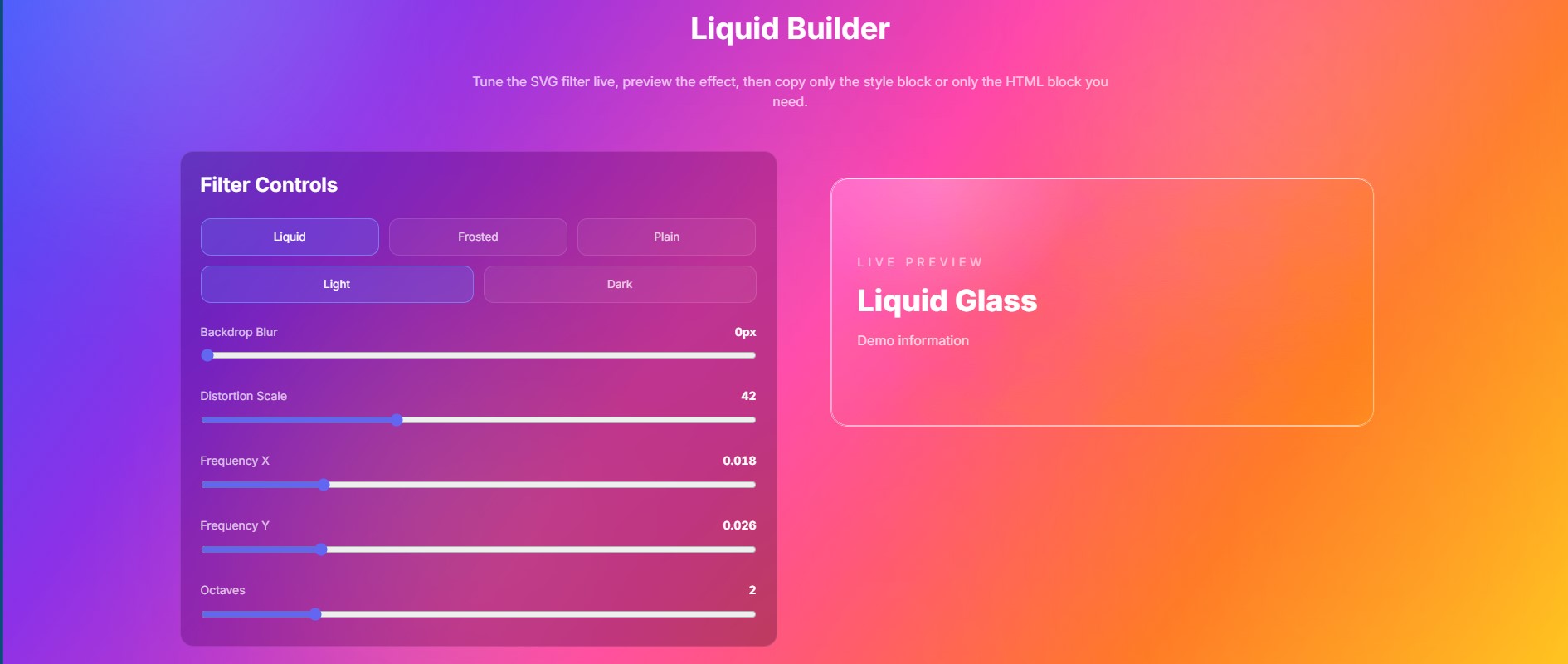
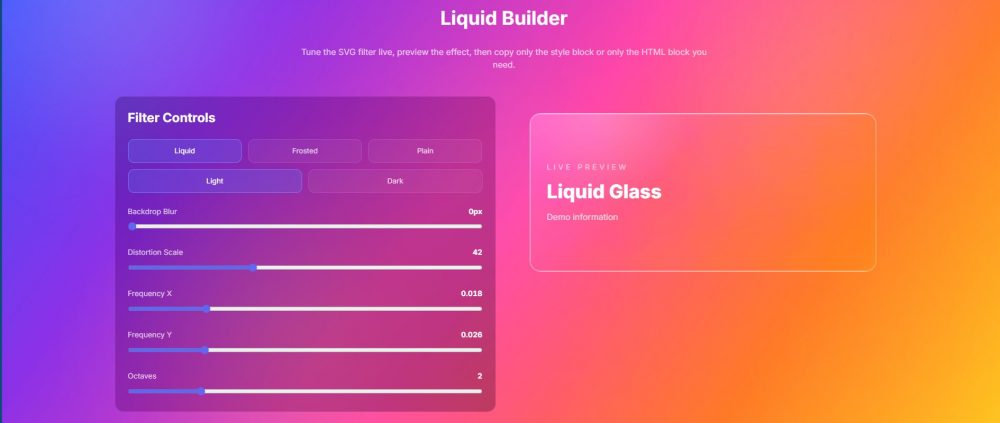
Liquid Builder
A new interactive builder lets users tune the SVG liquid glass effect directly inside the kit. Adjust blur, distortion scale, frequency, and octaves, then copy the generated code for your own project.
Live Code Generation
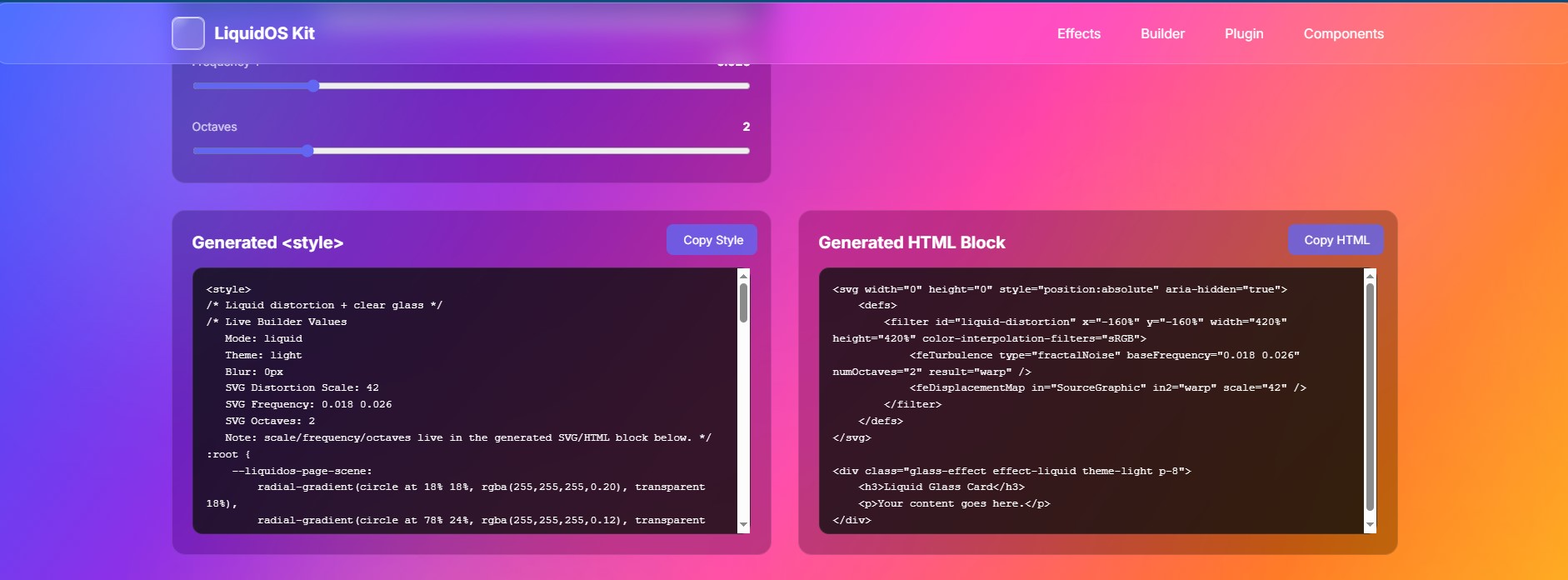
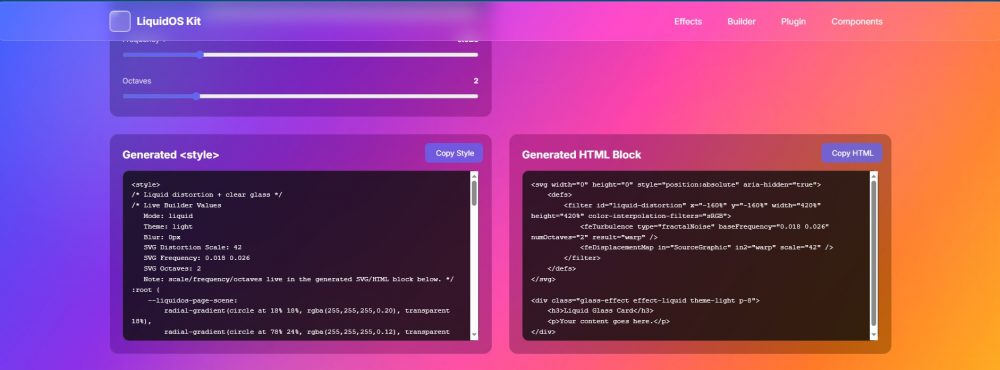
The builder now generates separate copy-ready blocks for the required style code and the HTML/SVG filter block. This makes it much easier to experiment, customize, and reuse effects without digging through the entire source file.
Zero-Dependency Component Snippets
Components can now be copied in a cleaner, more focused way. Instead of grabbing full demo pages or extra layout code, users can copy only the component or effect they actually need.
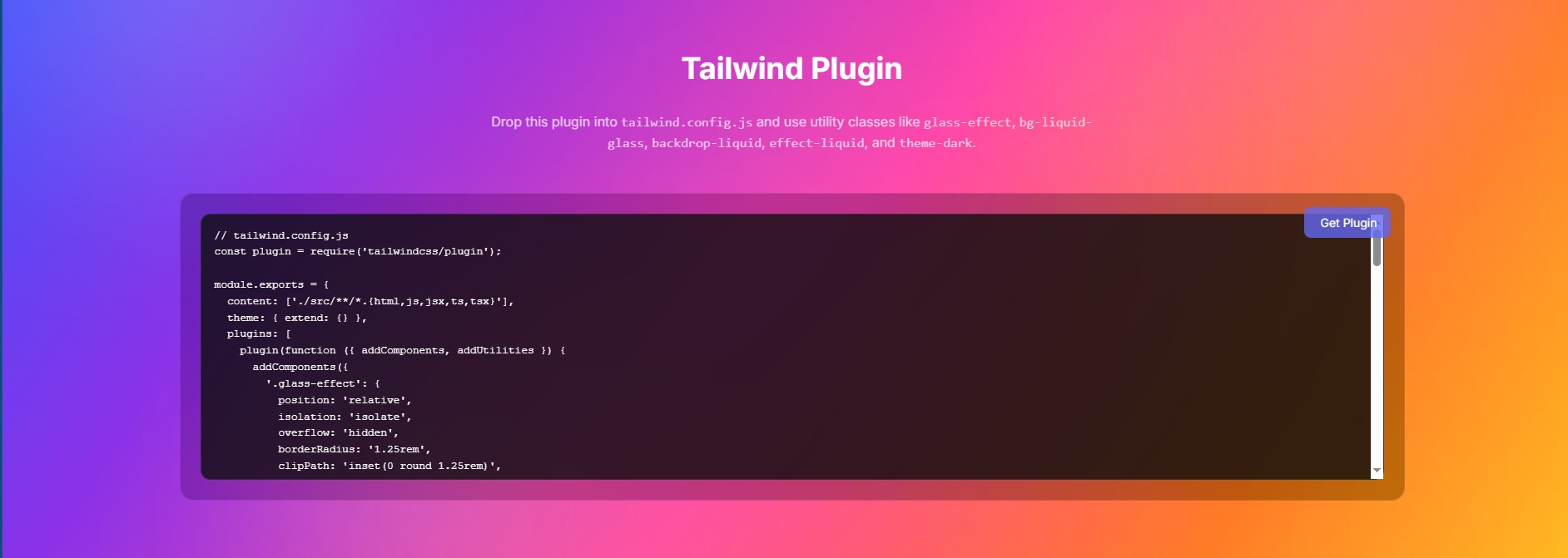
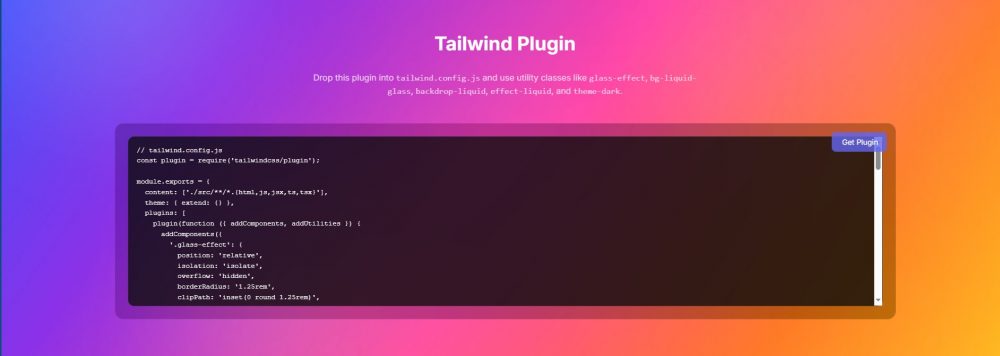
Tailwind Liquid Glass Plugin
A new Tailwind plugin/config option has been added for cleaner implementation. This helps reduce large style blocks in the document head and allows Tailwind users to work with simple classes like .glass-effect, .effect-liquid, .effect-frosted, .theme-light, .theme-dark, .bg-liquid-glass, and .backdrop-liquid.
Light and Dark Builder Modes
The builder now better separates light and dark visual variants. Liquid glass can stay clear and translucent in lighter scenes while still supporting darker, pro-style UI layouts.
Improved Background and Refraction Workflow
The builder scene has been adjusted so the background, glass layer, and distortion layer are easier to understand. Color belongs behind the glass, while the glass itself remains transparent and refractive.
Bonus: Liquid Gooey Menu
New Bonus Component Included
Version 2.0 also includes a new Liquid Gooey Menu, built to match the organic motion and soft glass style of the Liquid Glass OS UI Kit.
This bonus menu adds a smooth, playful interaction layer to the kit. It is ideal for floating action menus, mobile-style navigation, creative landing pages, app dashboards, and experimental interfaces where you want the UI to feel more alive.
- Organic gooey motion: Menu items stretch, merge, and separate with a liquid-style feel.
- Glass-inspired styling: Designed to visually fit alongside the kit’s frosted and liquid glass components.
- Modern navigation use: Works well as a floating menu, quick action launcher, or interactive UI accent.
- Bonus file included: Added as an extra component so users can experiment without replacing the core kit layout.
The Liquid Gooey Menu is included as a bonus experimental component for users who want to push the kit beyond static glass panels and into more animated, organic interface patterns.
Why This Update Matters
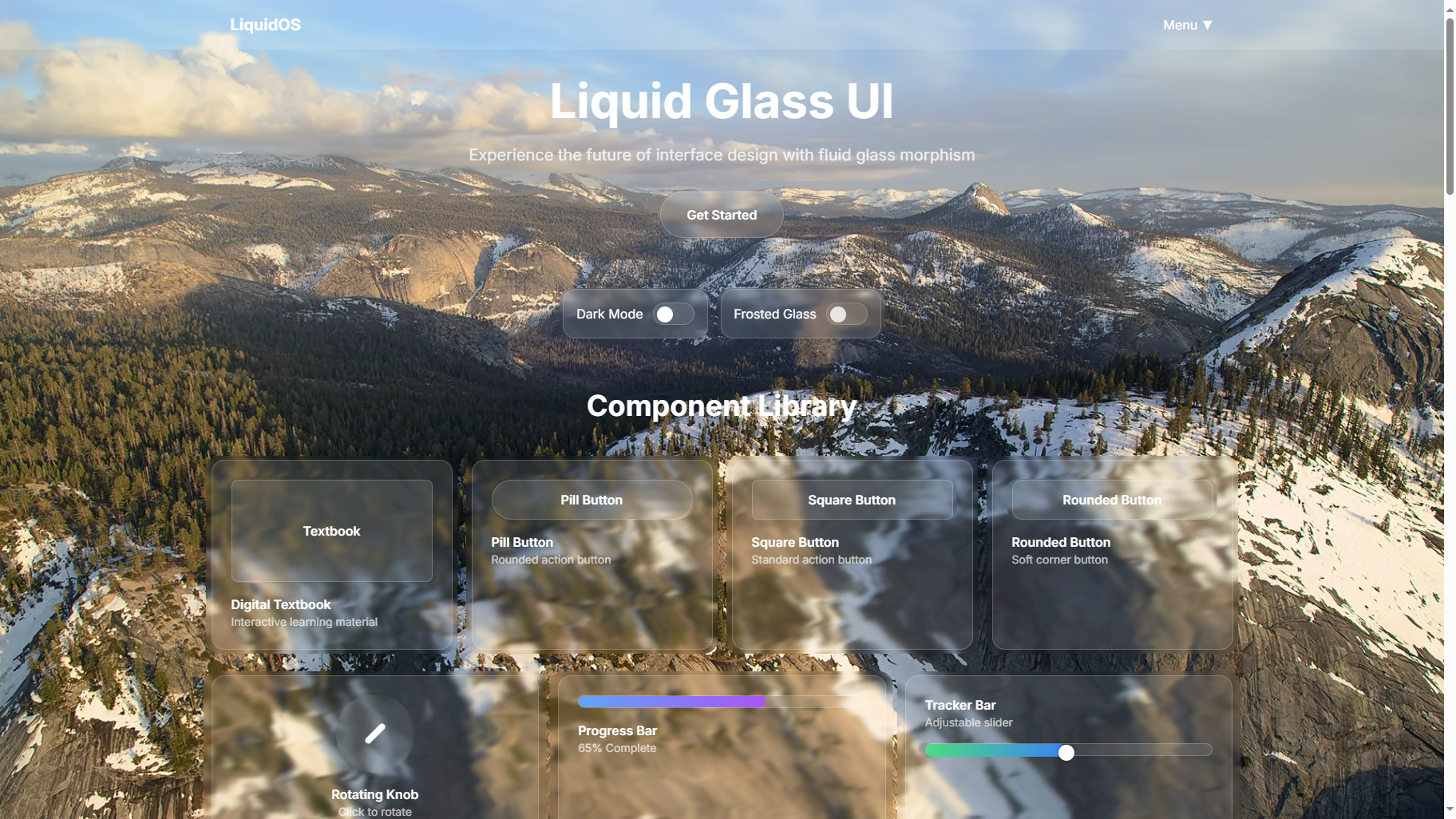
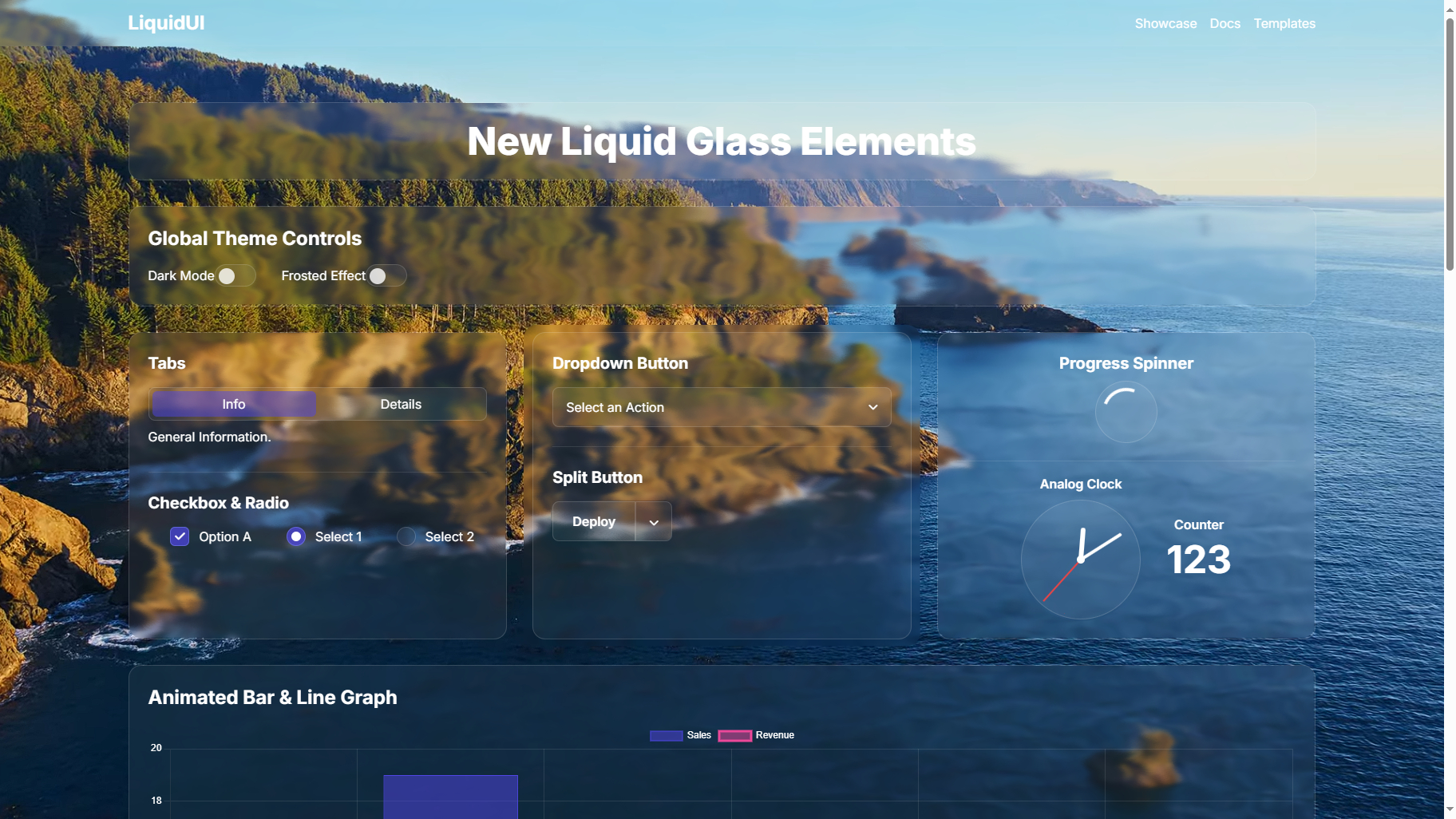
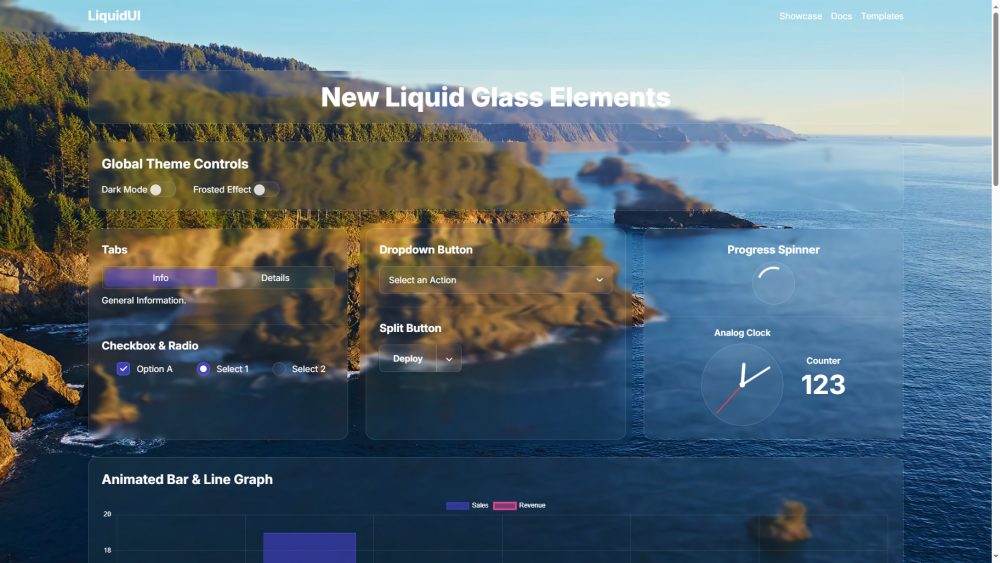
Earlier versions expanded the visual side of the kit with frosted glass, liquid distortion, organic metaballs, demos, components, and iOS-style interface ideas.
Version 2.0 focuses on workflow. It helps users move faster by giving them live controls, cleaner snippets, and a plugin-based Tailwind path for production projects.
Version 2.0 is especially useful for:
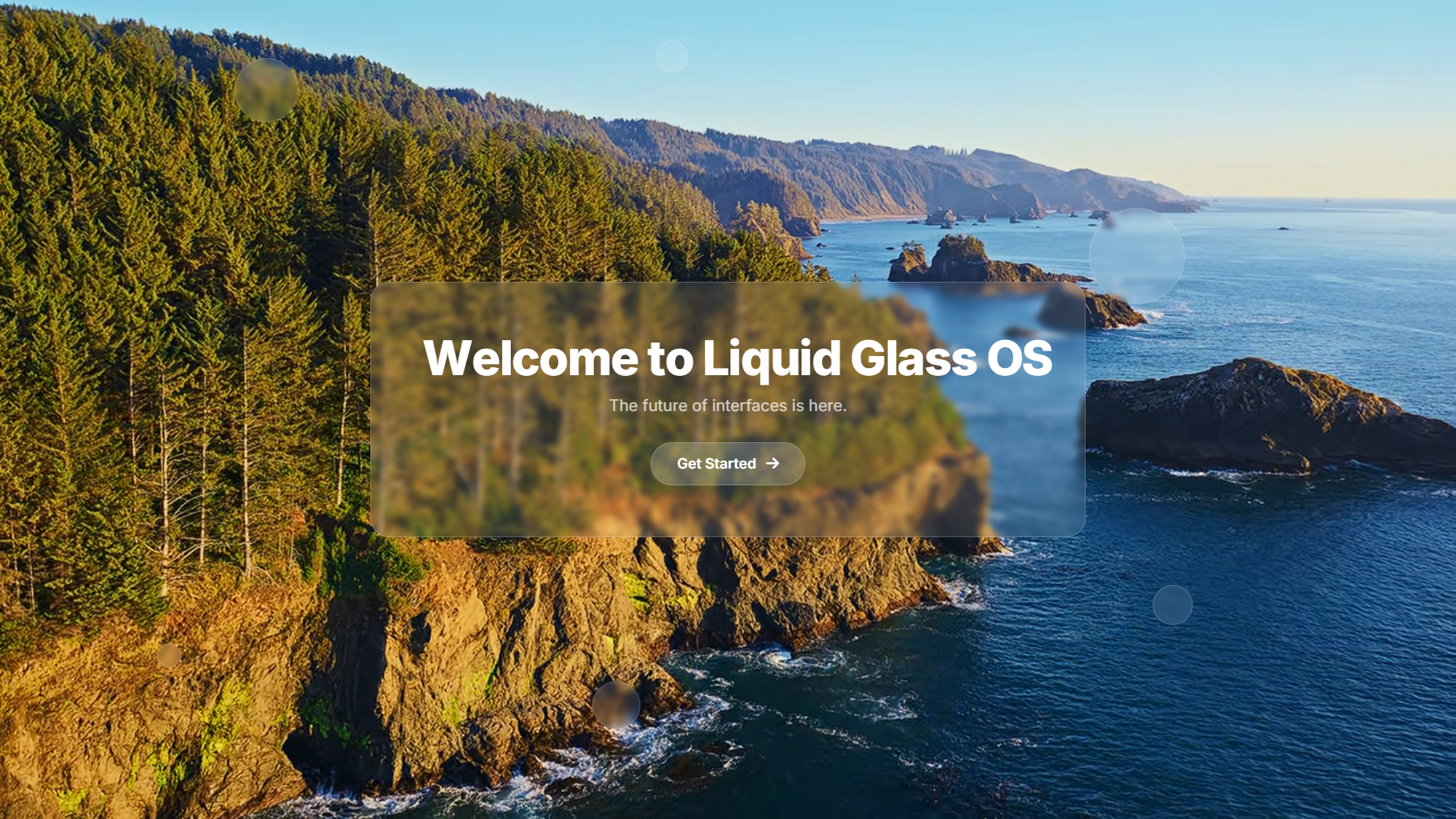
- Landing pages
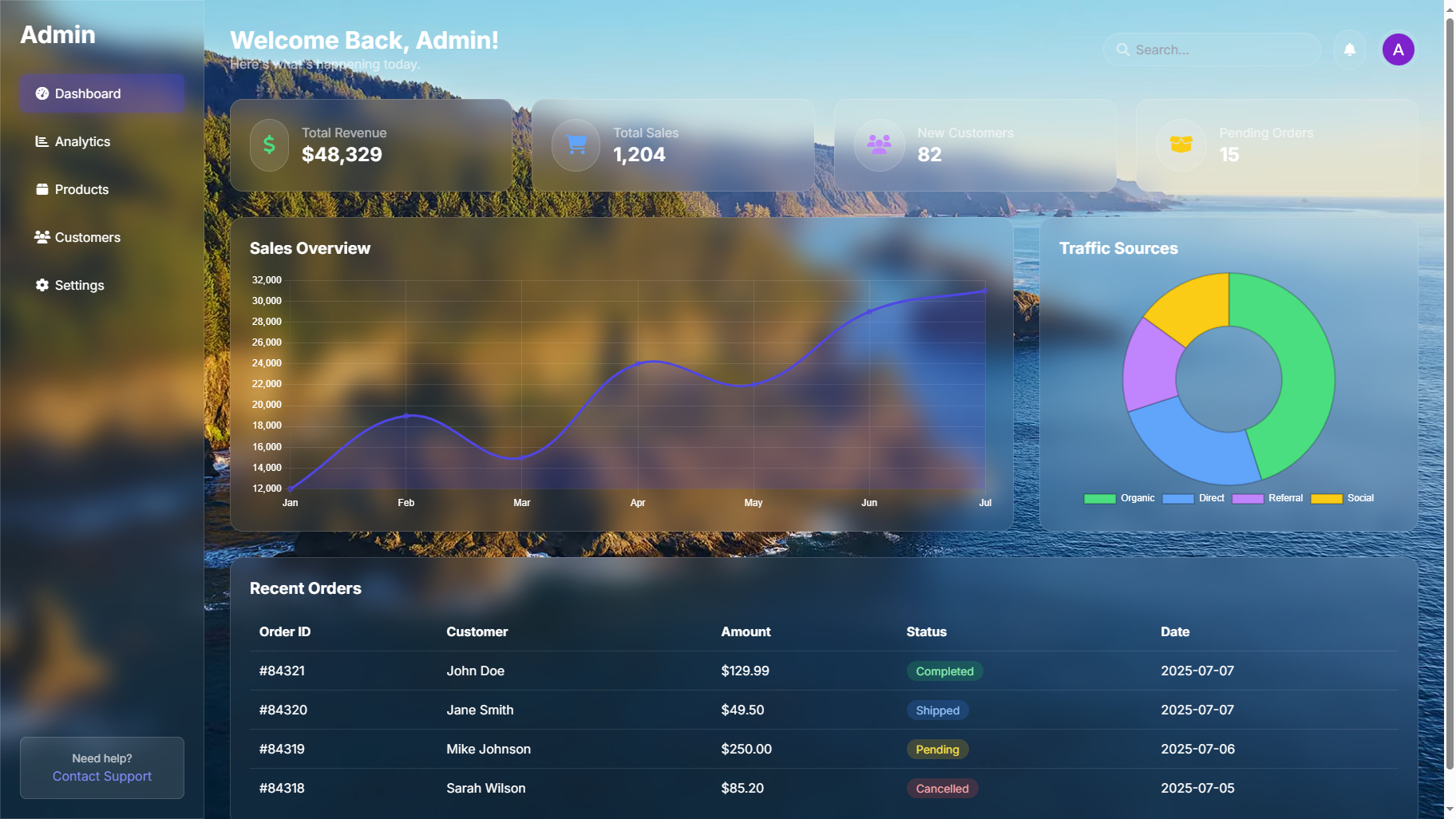
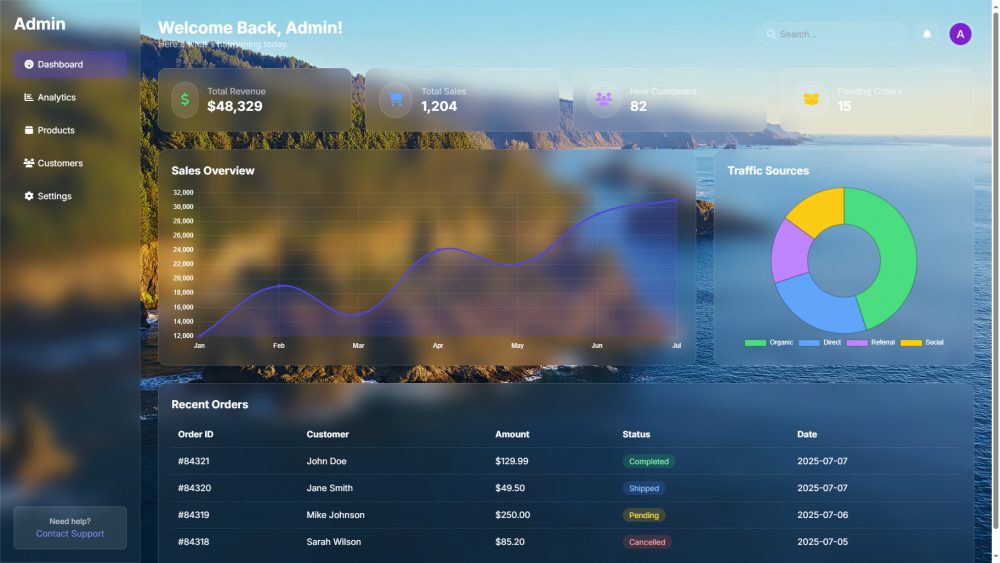
- SaaS dashboards
- Portfolio websites
- Experimental UI concepts
- Tailwind-based websites
- Hybrid app prototypes
- iOS-inspired web interfaces
Fixes and Improvements
- Added the new interactive Liquid Builder.
- Added live SVG filter controls.
- Added generated style and HTML/SVG copy blocks.
- Fixed builder code not updating after slider changes.
- Improved copy behavior for builder output.
- Added a Tailwind plugin/config workflow.
- Added the Liquid Gooey Menu component.
- Improved light and dark mode handling.
- Reduced unnecessary full-page code copying.
- Improved separation between background color, glass transparency, and SVG distortion.
- Improved rounded edge handling for liquid distortion previews.
- Made the kit easier to use as both a copy/paste UI kit and a Tailwind-based workflow.
How to Use It
- Use the Builder: Adjust the liquid settings visually, then copy the generated style and HTML/SVG code.
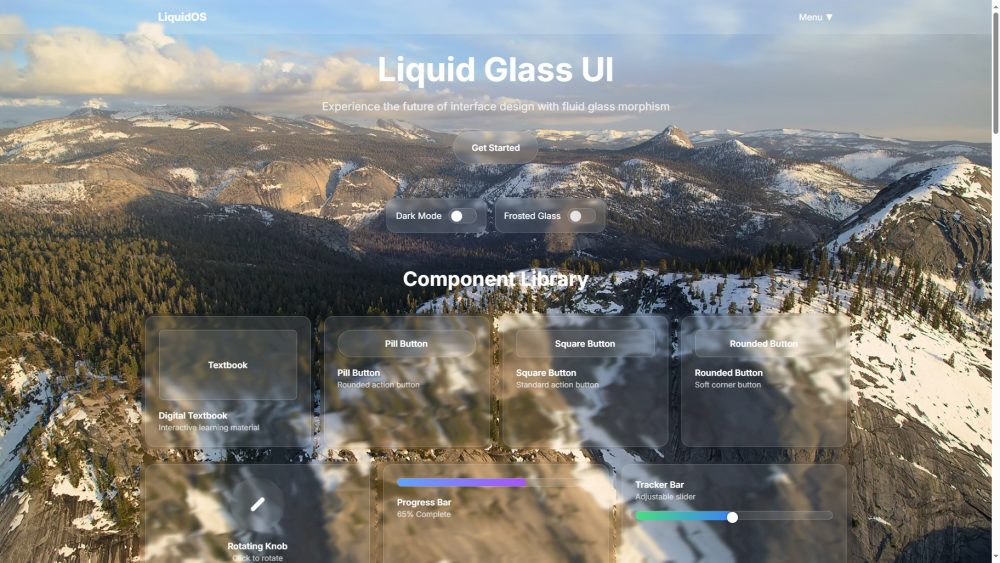
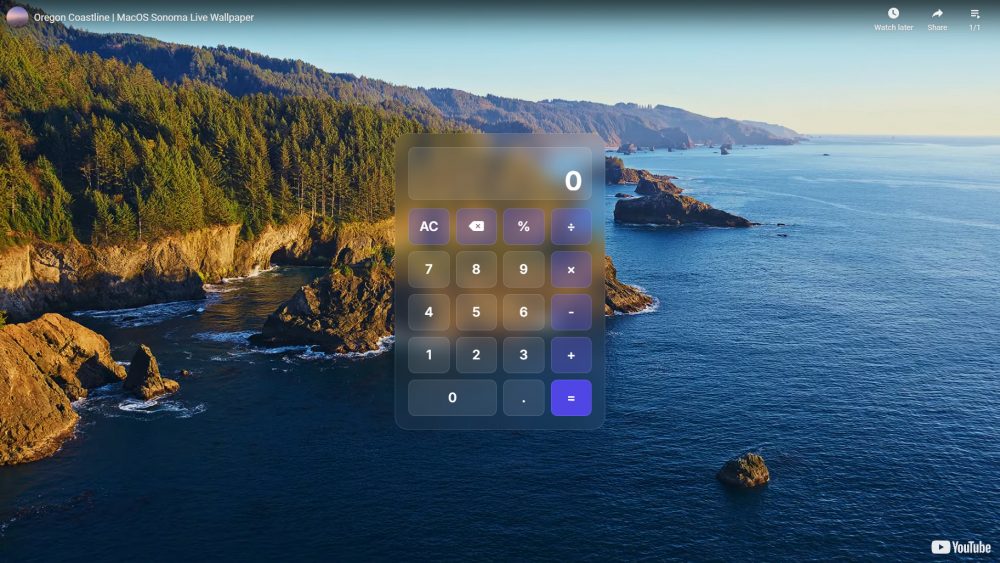
- Copy Components: Grab smaller component snippets without pulling in an entire page.
- Use the Tailwind Plugin: Drop the plugin/config into your Tailwind project and use clean Liquid Glass classes.
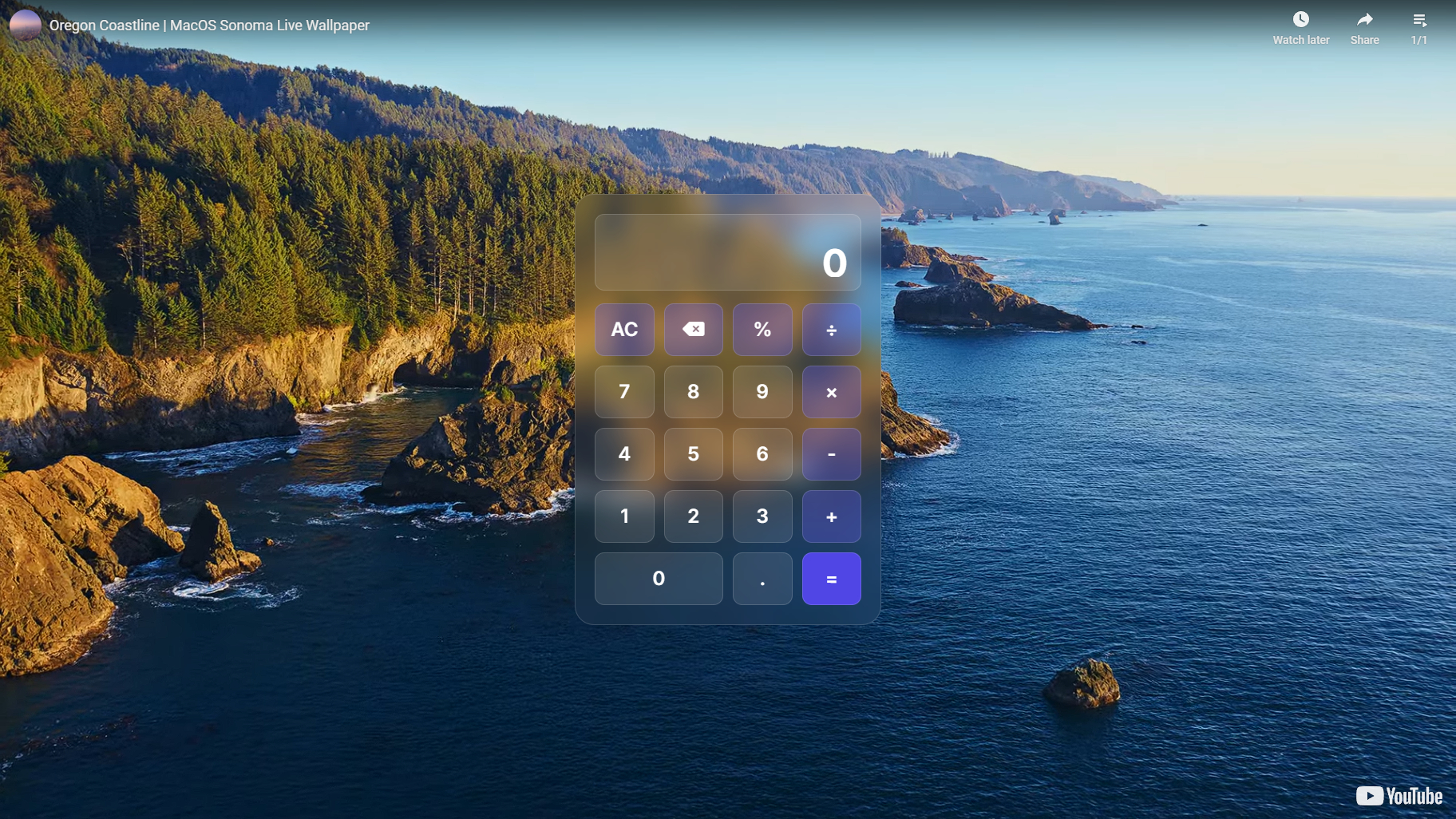
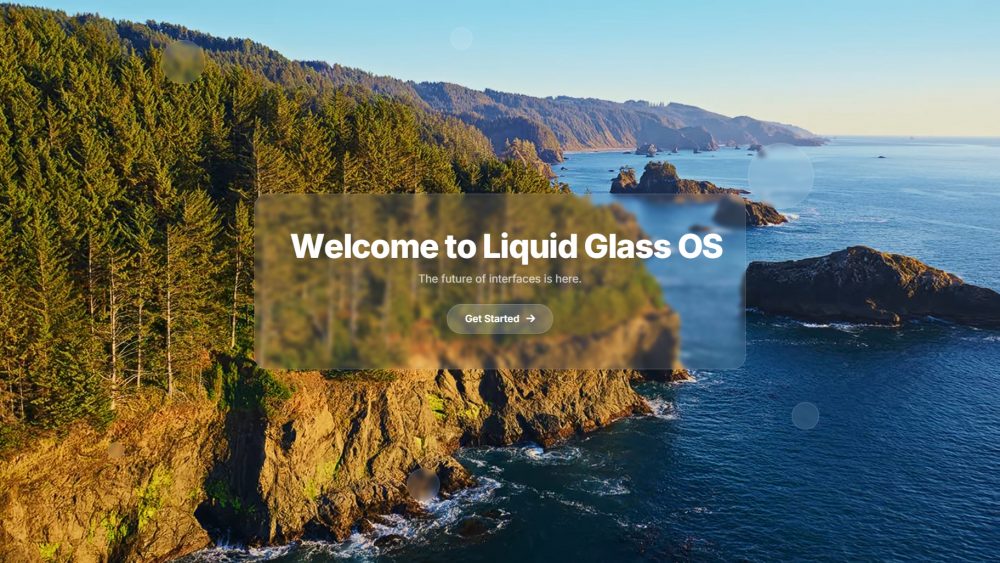
- Use the Demos: Start from the included demo pages if you want full interface examples instead of isolated components.
Relationship to Previous Versions
| v1.5: Ease of Use Get Code buttons, easier component copying, cleaner implementation. |
v1.6: The Organics Organic liquid glass, metaball motion, shader-style depth and refraction. |
v2.0: The Builder Update Interactive builder, live generated snippets, Tailwind plugin, and Liquid Gooey Menu. |
Summary
Liquid Glass OS UI Kit v2.0: The Builder Update makes the kit more practical, more customizable, and easier to ship inside real projects.
Tune effects visually, copy cleaner code, use the new Tailwind plugin workflow, and experiment with new interactive components like the Liquid Gooey Menu.
Only logged in customers who have purchased this product may leave a review.
Reviews
There are no reviews yet.